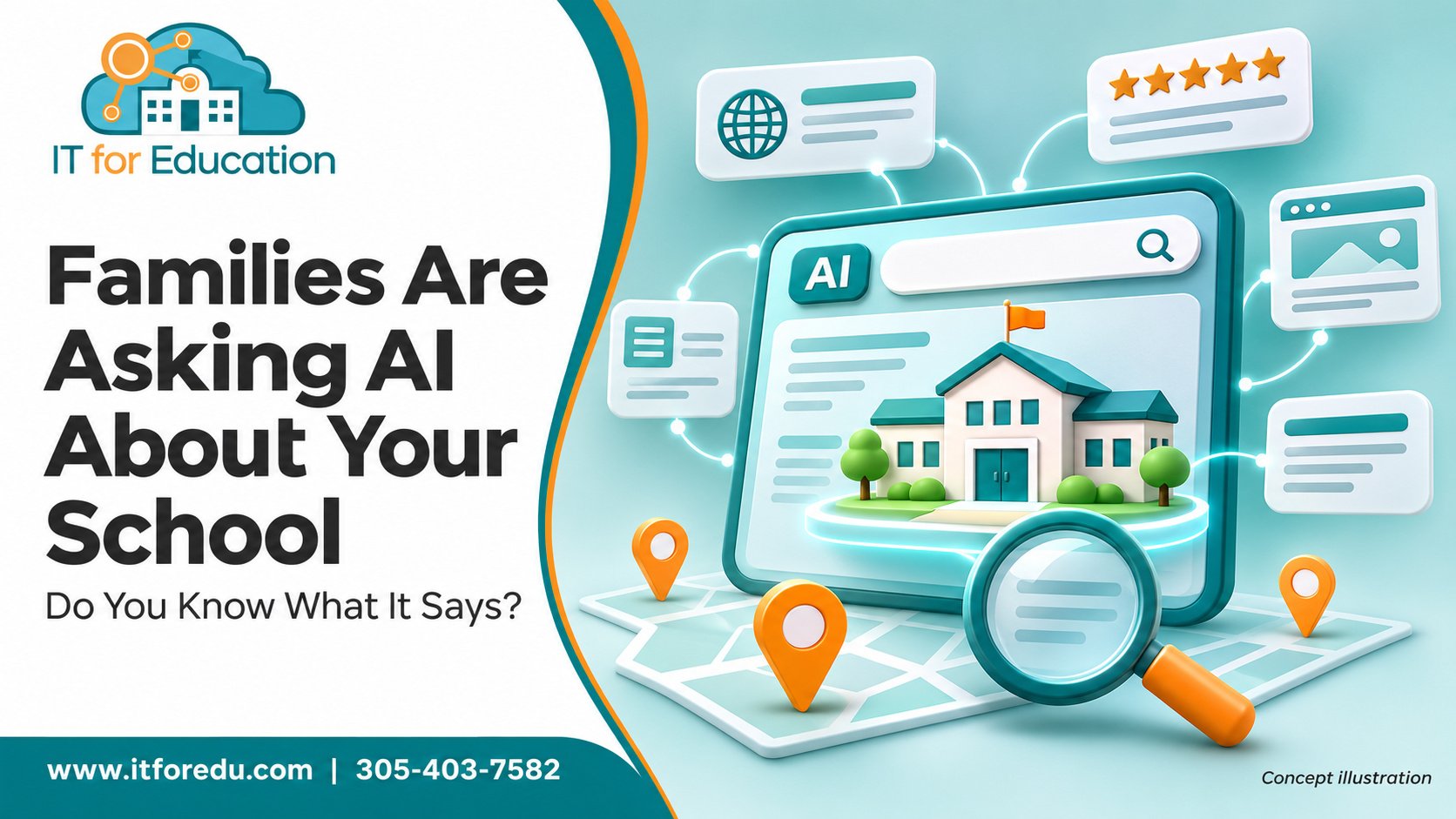
 A parent is up late after the kids are asleep. Instead of scrolling through ten school websites, she opens an AI tool and types: "What are the best schools near me with strong reading support?" Within seconds she has a short list, and your school is either on it or it is not.
This is a quiet shift in how families search. More of them are starting with AI tools, and those tools pull from your website, your directory listings, and your reviews to decide what to say about you. The good news is that you can influence what they find. Here is where to begin.
- Ask AI about your own school. Start by seeing what families see. Type your school's name and city into an AI tool and read the answer carefully. You may find an old tuition number, a grade level you no longer serve, or a mission statement that sounds generic.Try this prompt: "What do you know about [School Name] in [City]? Include grade levels, programs, tuition, and what makes it different from nearby schools."
Write down every error. That is your to do list.
- Write pages the way families ask questions. Families do not search for "admissions procedures." They ask, "Does this school offer aftercare?" or "How much is tuition for two kids?" Pages that answer real questions in plain language are much easier for both people and AI tools to understand.Try this prompt: "Here is the text from our admissions page. Suggest ten questions a new parent would likely ask, and draft a short, friendly answer to each using only the facts I provide."
- Help your school show up higher in organic search. Organic search means the unpaid results families see when they search on Google. Schools that show up near the top usually do a few simple things well: a clear page title, a helpful description, headlines that match what families type, and a location that is easy to spot. AI can help you draft all of it in minutes.Try this prompt: "Act as an SEO specialist for a K through 12 school. Here is the text from our [admissions or about] page. Suggest a page title under 60 characters, a meta description under 155 characters, one main headline, and three subheadings. Naturally include phrases families search for, like '[type of school] in [city]' or '[type of school] near [neighborhood].' Use only the facts I provide and do not exaggerate."
No one can promise a number one ranking, but schools that do this consistently give themselves a real advantage. Three more habits help a great deal: claim and fully complete your Google Business Profile, ask happy families for honest reviews, and add fresh content like news or events every month.
- Keep your facts identical everywhere. Your website says one thing, your Google listing says another, and an old directory says a third. AI tools notice the conflict and either guess or leave you out. Pick one source of truth and update every listing to match.Try this prompt: "Compare these three descriptions of our school and list any differences in hours, grades, tuition, or programs."
- Describe your photos so everyone can see them. Short, honest descriptions of your photos, called alt text, help families who use screen readers and help search tools understand your pages.Try this prompt: "Write a one sentence description of this photo for a school website. Keep it factual and under 20 words."
Two cautions worth taking seriously
First, student photos. Only use images of students whose families have signed a photo release, and keep student photos out of public AI tools. Uploading a child's picture to a free tool can share it in ways you never intended.
Second, AI generated images. It can be tempting to create a smiling classroom picture that never existed. But families may assume those are real children or your real campus. If you use AI imagery, label it clearly, and never let it stand in for your actual students or building.
One question every school should ask
If another company manages your website, network, or technology, ask them: What are you doing about AI?
Good answers include a review of which AI tools your marketing team can safely use, clear rules for handling student photos and family information, and strong security on your website and accounts. If the answer is vague, it is worth having a deeper conversation.
IT for Education has served only K through 12 schools since 2002, and we help schools adopt new tools in a way that protects families. A Technology Readiness Review is a simple way to see where you stand.